Try before buying
Download first
- Complete three successful exports with each metered tool before a Full license is required.
A native macOS toolkit for image, video, audio, and Guitar work. Most media processing stays on your Mac.
Version 2.0.5 · Apple Silicon + Intel · macOS 15+
Download the complete app and try it first. Full removes the metered export limits and unlocks the advanced Guitar suite.
Roughly 36 tools across media and music, organized so you find what you need fast.
Edit, resize, convert, compress, and strip metadata. Batch it all when you're moving fast.
Play, trim, convert, compress, resize, and watermark — without firing up a heavyweight editor.
Trim, convert, extract, merge, and analyze. Pull clean audio out of anything.
Practice-focused tools built for players — the part that makes RoyalGuitar, well, RoyalGuitar.
A quick look at what RoyalGuitar actually does, because “media tools” sounds useful but also suspiciously vague.
Edit, resize, convert, compress, colorize, and clean up image files.
Click to view tools Tools shownTrim, convert, compress, resize, watermark, and export video faster.
Click to view tools Tools shownConvert, extract, merge, enhance, and analyze audio without opening three apps.
Click to view tools Tools shownPractice-focused tools for players, tabs, and music workflows.
Click to view tools Tools shownVersion 2.0.5 builds on the guitar-focused 2.0.3 release while making the wider audio and media workspace clearer, more reliable, and easier to use.
RoyalGuitar processes media locally on your Mac. Most tools keep your files right there. The few web connected features only go online when the job actually needs it. No surprise cloud detours for simple work.
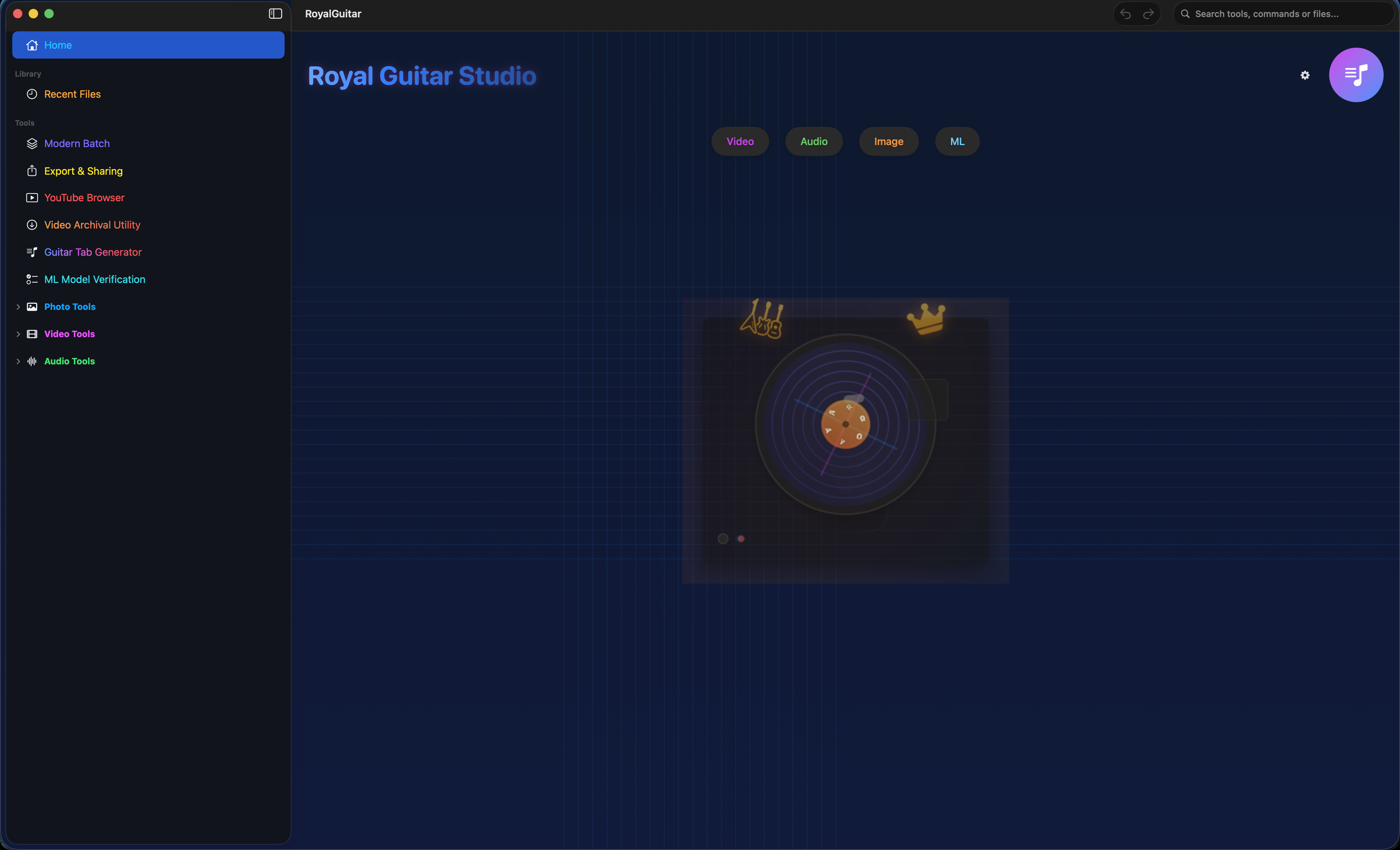
One dashboard, every tool a click away.
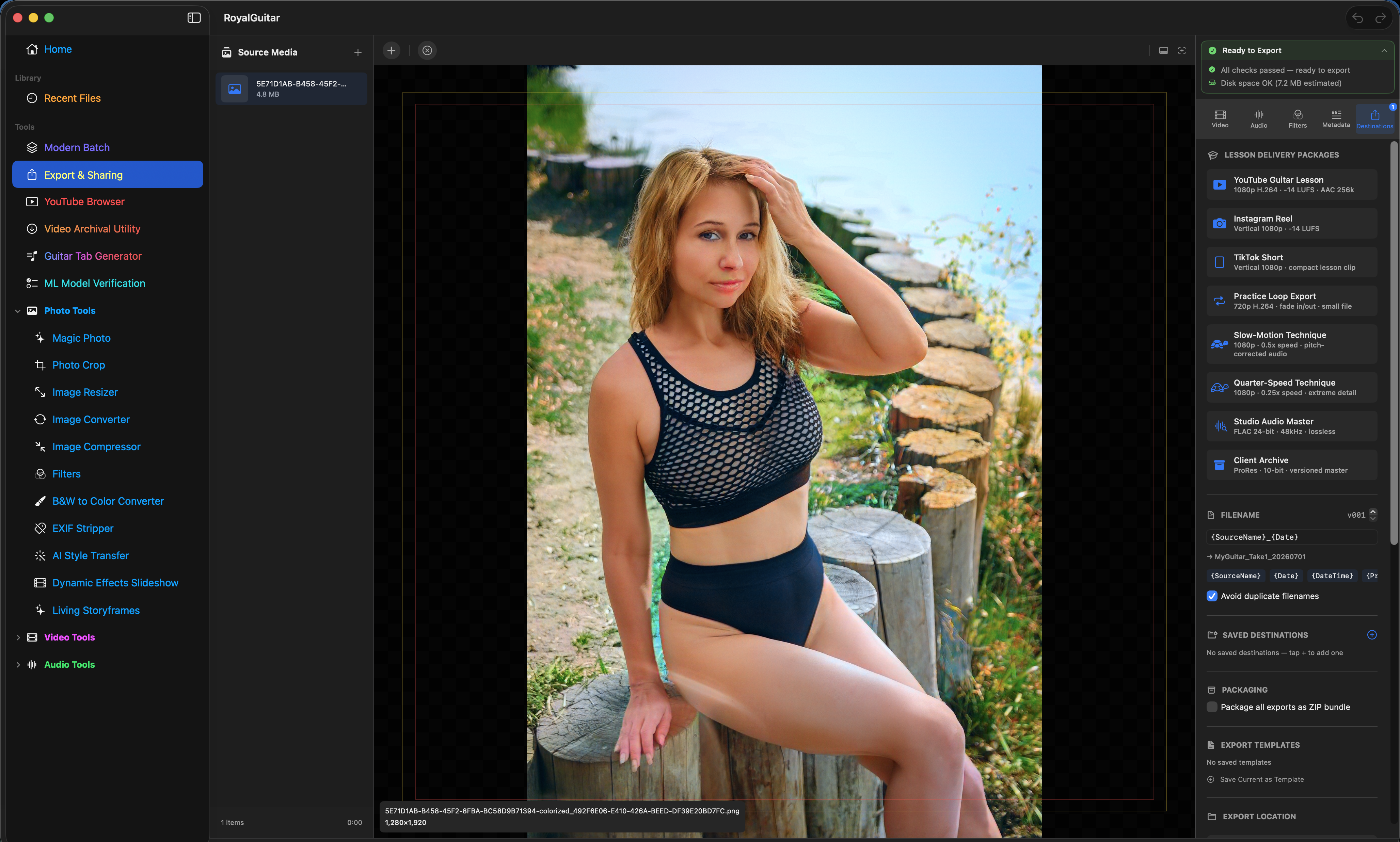
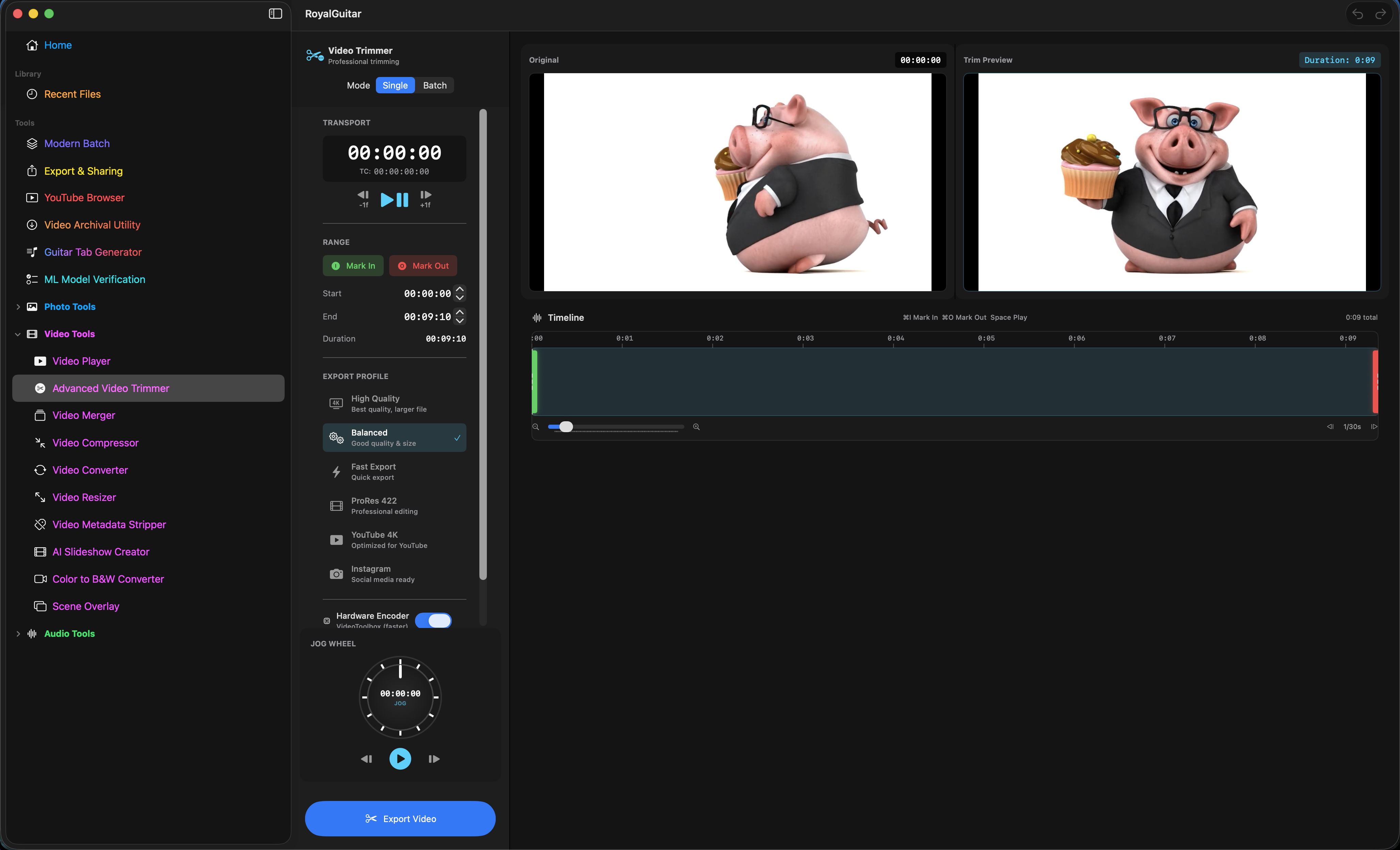
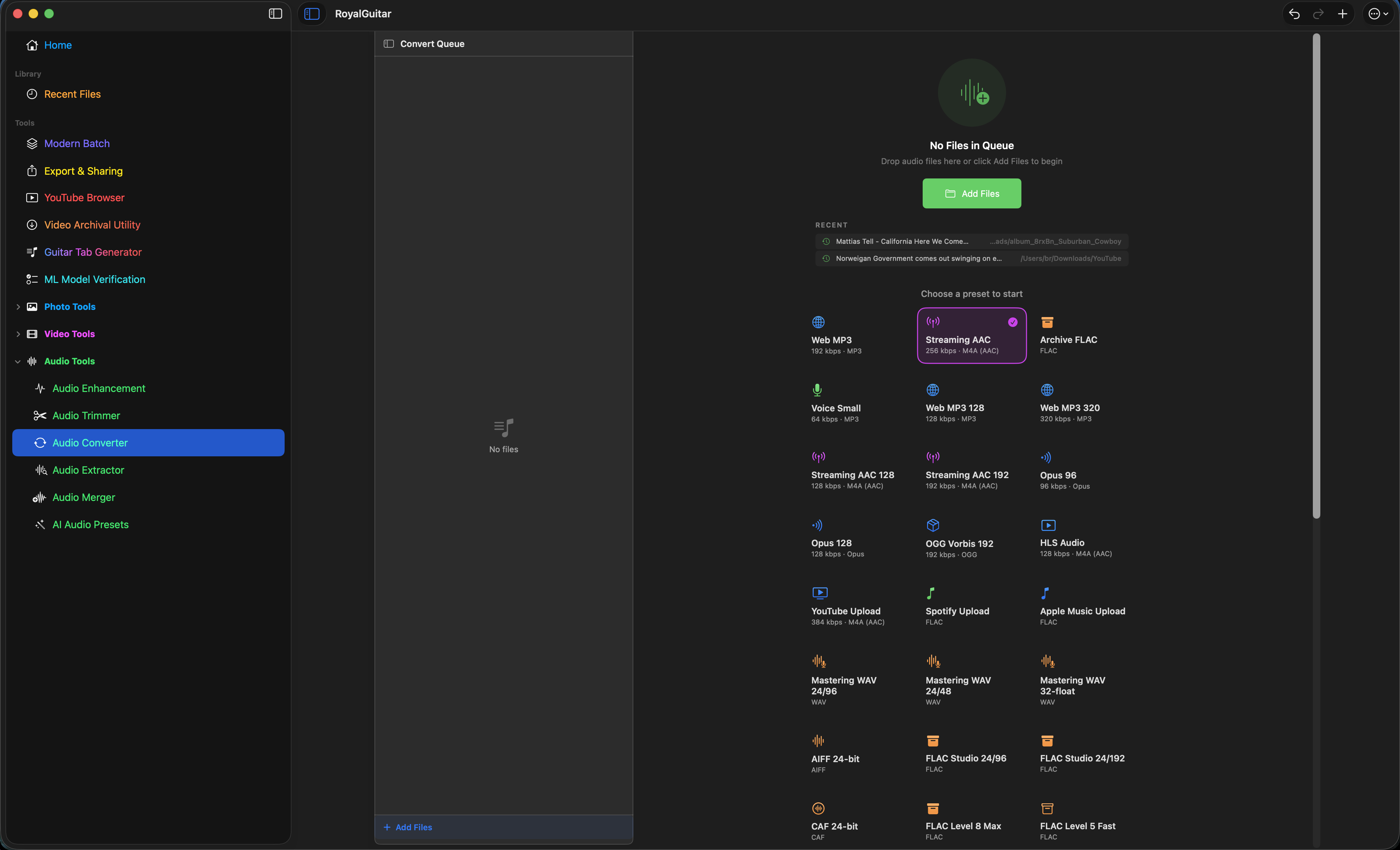
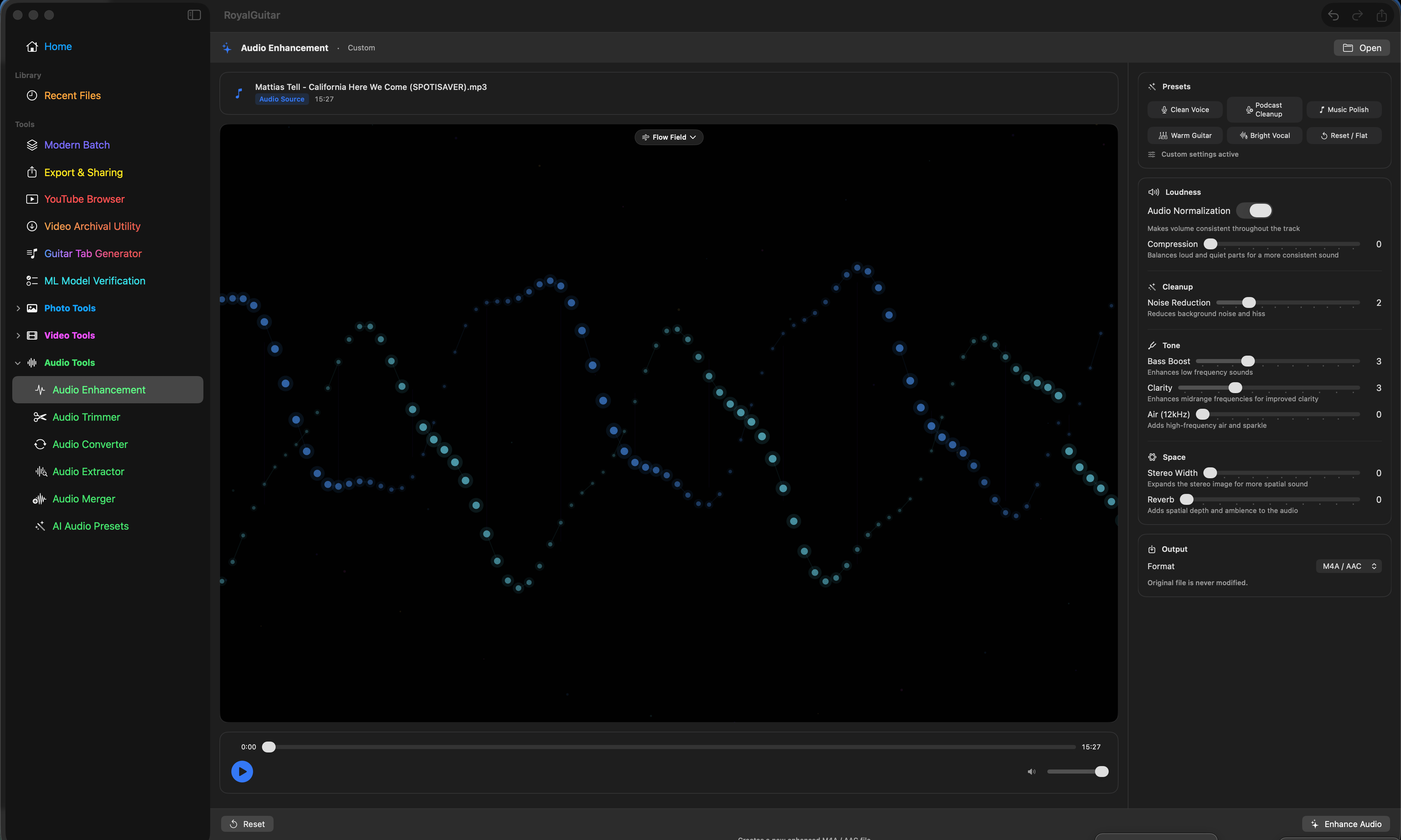
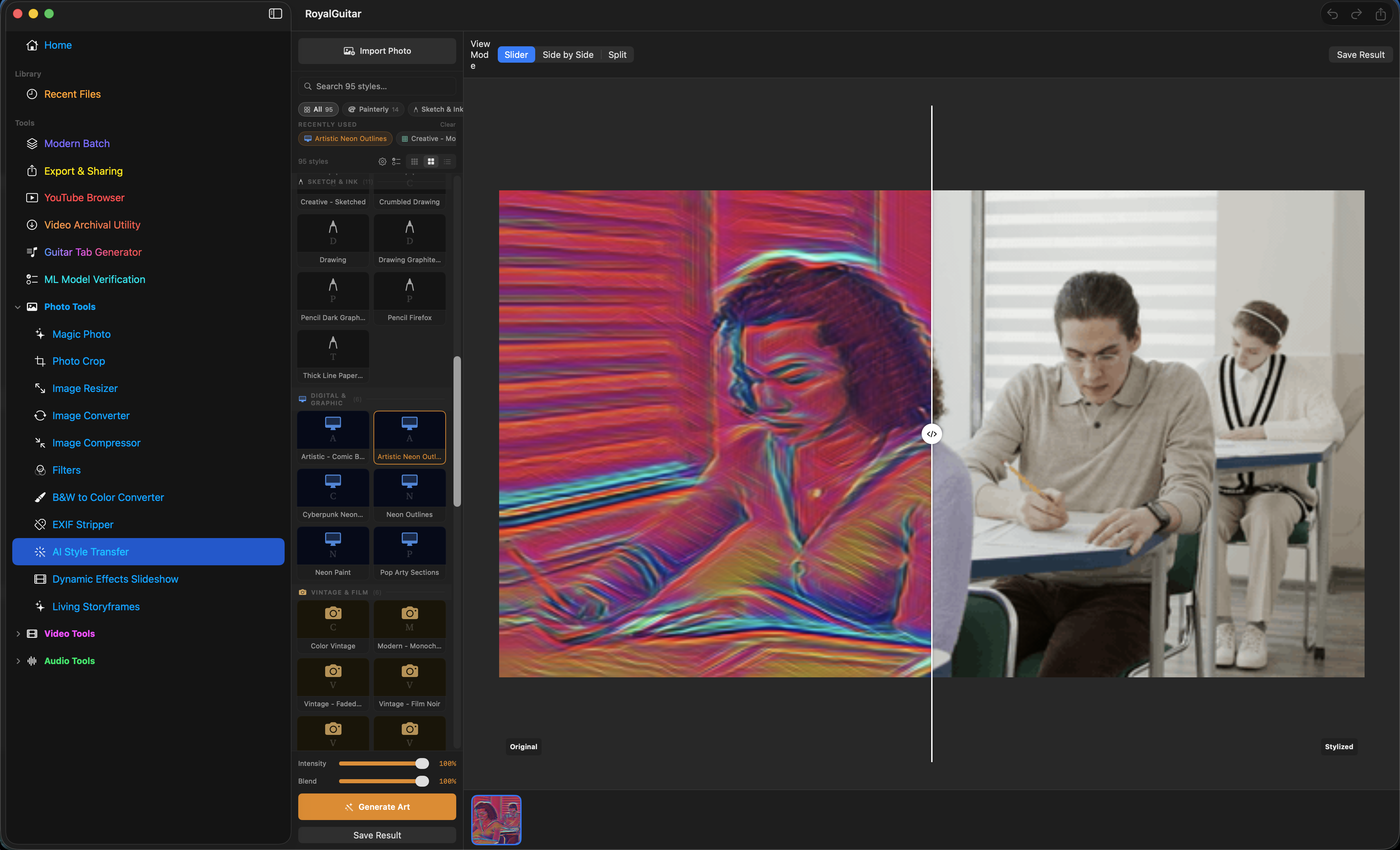
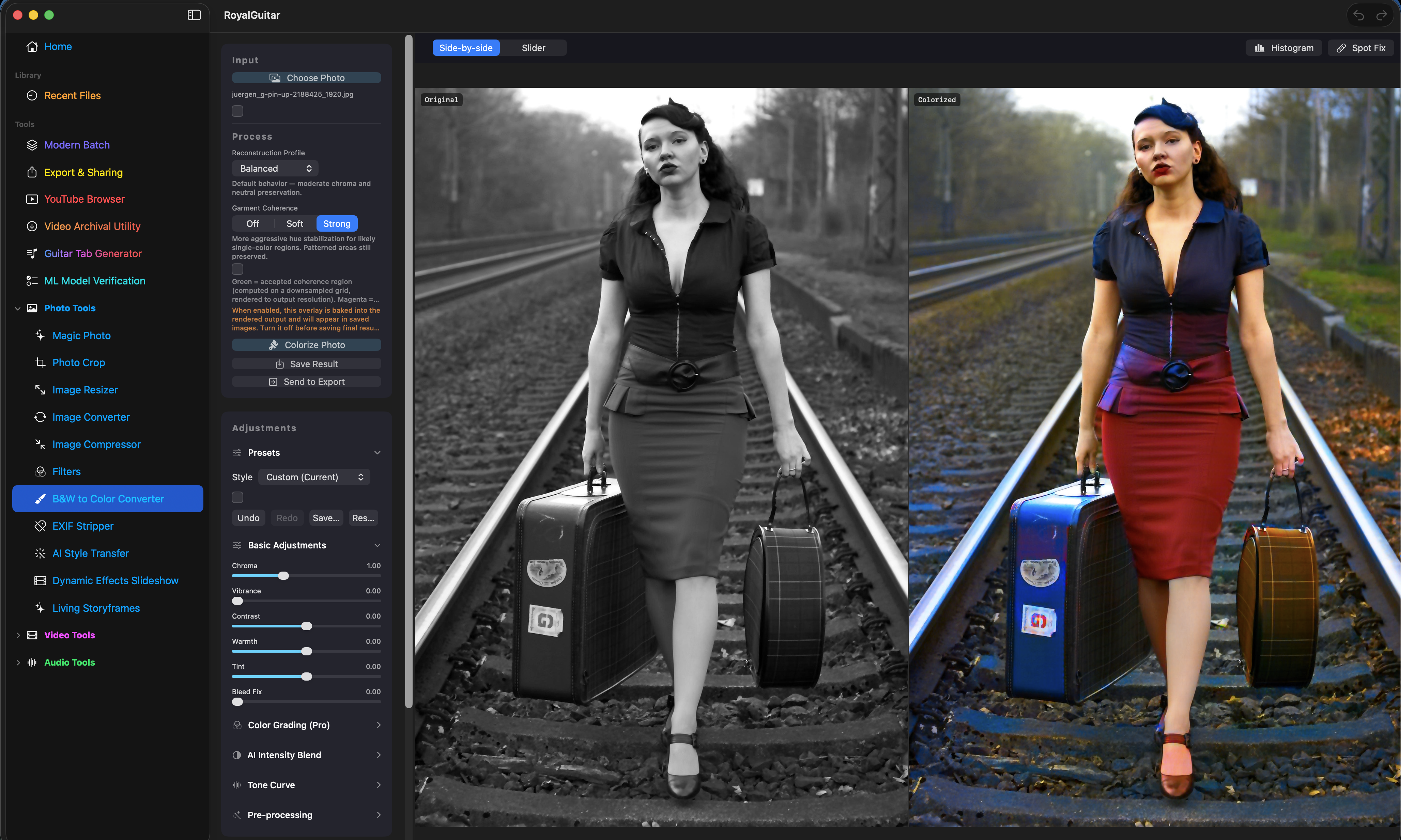
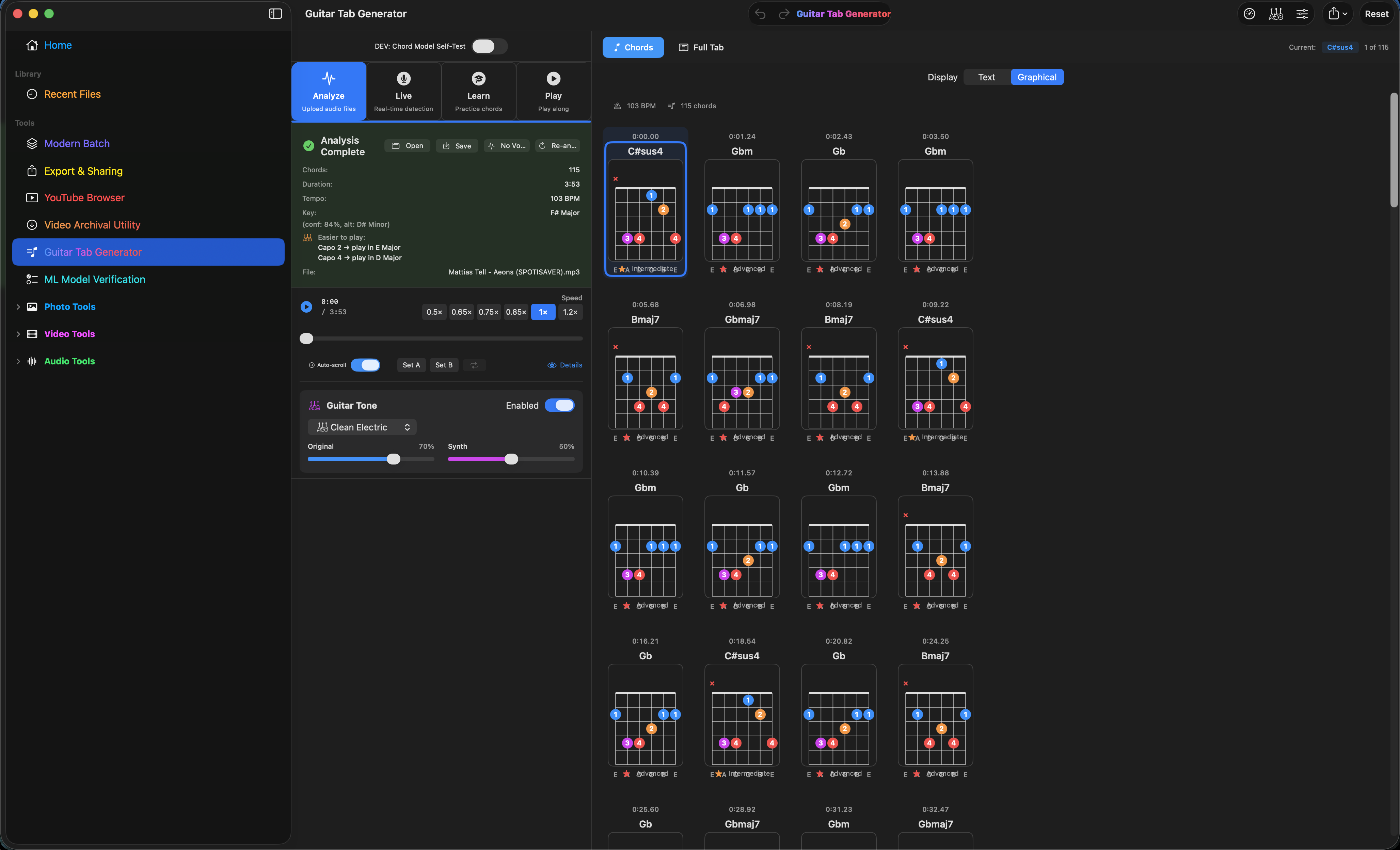
Click through the whole app in your browser — no download needed.
Launch the interactive tour →This is an evolving project. I update it as I find bugs and add features that make it more useful and user-friendly. Check the Download and Changelog pages for the current release.
Most media processing stays on your Mac. The project is actively tested with Xcode tooling, and the first-launch installation steps are explained clearly above.
I built Royal Guitar Studio with a mix of my own coding and help from AI tools. I make the product decisions, test the app, and take responsibility for what ships.
The app is distributed as an un-notarized build, so on first launch macOS adds an extra confirmation step. Open System Settings → Privacy & Security, then click "Open Anyway." After that it launches normally every time.
Yes. Download the complete app first and complete three successful exports with each metered tool. Full is a $24.99 one-time purchase that removes the metered export limits and unlocks the advanced Guitar suite. There is no subscription.
Your media files are processed locally on your Mac. Network access is used only where a feature requires it, such as online browsing or archival, licensing, and update checks. Normal local media-processing tools do not upload your files.
Yes. Future updates are included with the Full license. Current release information is available on this site, and installed copies can receive updates through the app’s built-in updater.
macOS 15 Sequoia or later, on either an Apple Silicon or Intel Mac, with at least 4 GB of RAM (8 GB recommended).
Royal Guitar Studio includes in-app localization support for English, Japanese, German, French, Spanish, and Simplified Chinese.
Native, local, and available to try before buying. Download Royal Guitar Studio 2.0.5 for macOS.
Download for macOS 2.0 GB